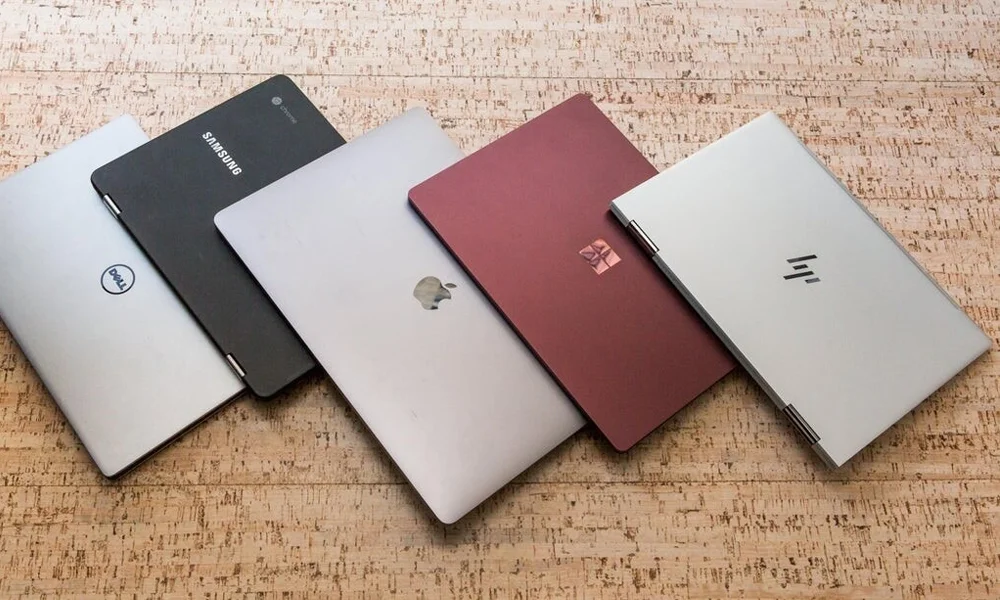
Copilot+ is a hardware label, not a software product. That single distinction clears up most of the confusion around whether to specify one on a fleet order.
What the label means
A Copilot+ PC is a machine whose processor includes a neural processing unit above a performance threshold, alongside minimum memory and storage requirements. The NPU is a dedicated block for running machine-learning workloads locally, more efficiently than the CPU or GPU would.
That is the whole definition. It is a specification floor, in the same way that a minimum RAM requirement is. It does not describe what the machine does with that capability, and it does not mean the machine is faster at your actual workloads.
What it changes today
Battery life, on some models. The most noticeable real-world difference on Copilot+ machines is not AI at all. Many use processor architectures that deliver substantially longer battery life than the previous generation. For staff who travel or work across sites, that alone can justify the specification.
Local processing instead of cloud round-trips. Background blur, noise suppression, live captioning and translation run on the NPU rather than on the CPU or a remote server. On a call-heavy machine this is a genuine efficiency gain — the CPU stays free, the fan stays quiet, and the battery lasts longer.
Data that does not leave the device. For legal, healthcare and government users this is the point worth paying attention to. Processing happening locally means the audio or image is not being sent anywhere. If your organisation has data residency concerns, that is a stronger argument than any feature demonstration.
What it does not change
Most of what people mean when they say “AI features” still runs in the cloud. The large models behind the assistants your staff actually use are not running on a laptop NPU, and buying a Copilot+ machine does not change what those services cost or what they can do.
It also does not make standard office work faster. Spreadsheet recalculation, database queries, compilation and rendering are CPU and GPU workloads. An NPU does not touch them.
And it does not create a licence. Where an AI service requires a subscription, it still requires one on a Copilot+ machine.
The compatibility checks
This is the part that gets skipped, and it is the part that causes rollout failures. Some Copilot+ machines use ARM-based processors rather than x86. Most mainstream software now runs on both, but “most” is not “all”, and the exceptions tend to be the software an enterprise cannot work without.
Before ordering more than a handful, verify on an actual test unit:
- Your VPN client and any zero-trust network agent
- Your endpoint security and device management agents
- Any ERP, accounting or industry-specific application, especially older or locally developed ones
- Printer, scanner and peripheral drivers — this catches more organisations than software does
- Any hardware token, smart card reader or biometric device used for authentication
- Virtualisation, if your staff run virtual machines locally
If any of those fail, the machine is not wrong — it is wrong for that user group. Split the order.
How to specify one
Buy Copilot+ for the users who benefit from what it actually delivers today: long battery life, quiet operation, and heavy video-call use, particularly where data residency matters.
Do not buy it fleet-wide on the assumption that it future-proofs the estate. NPU performance requirements are moving quickly, and a specification bought today to satisfy a capability that does not exist yet is a bet, not a plan.
The sensible sequence is a pilot of five to ten units with your real software stack, for four weeks, with the users who would benefit most. That either produces a business case or saves you from a fleet-wide compatibility problem. Both outcomes are worth four weeks.